
Payments & accounts
Every payment with a receipt, a name and a date
Take payment as the customer collects, follow up what is owed, and close the day with a cash-up that adds up. Built into the same system as your certificates.
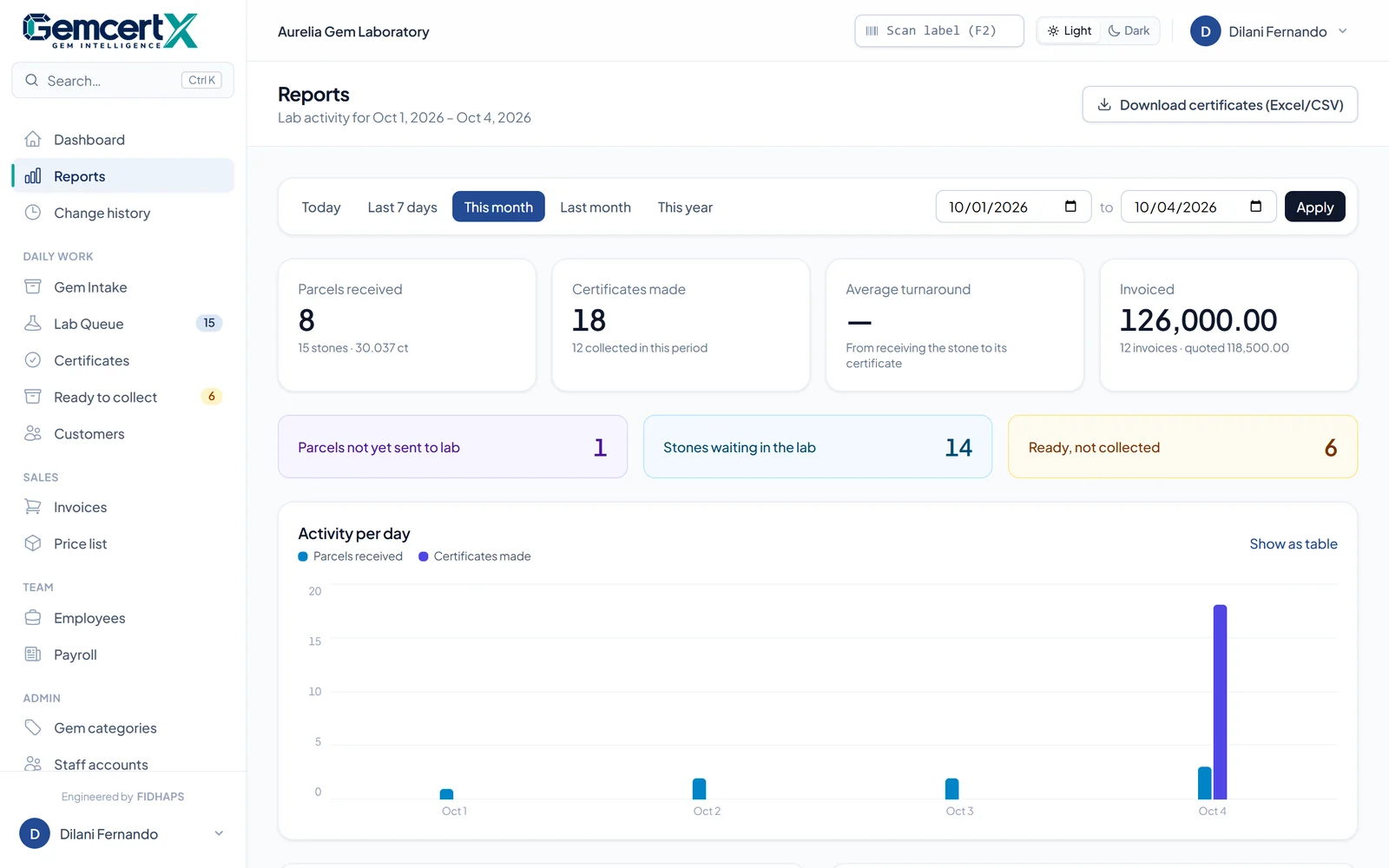
Five tools, one cash desk.
Everything between "the certificate is ready" and "the till adds up", in the system your team already uses for certificates.
Collection & invoicing
Professional +The invoice is made as the customer collects, or from New sale for any other service. Paid, part paid or a credit sale.
Payments & receipts
Professional +Take payments on an invoice or on the customer's account, oldest invoices first. Every payment gets its own receipt to print or send on WhatsApp.
Customer accounts
Professional +Each customer's invoiced, paid and balance due, line by line, with printable statements for any date range.
Money owed, by age
Professional +Everything outstanding across all customers, split 0–30, 31–60, 61–90 and over 90 days, biggest first.
Daily cash-up
Professional +Today's takings by cash, card, bank and cheque, and the cash each staff member should hand in.
Payments & accounts
Money in. Money owed. Money counted.
From the first payment at the counter to the cash in the till at closing, every payment has a receipt, a name and a date.
Money in
Enter what was paid. GemcertX does the rest.
Amount received and paid by cash, card, bank transfer or cheque, at collection or with New sale.
Full amount received.
The rest stays on the customer's account.
A credit sale: the whole amount is owed.
More than the total? The screen shows the change. It is never counted as a payment.
Money owed
See who owes, and for how long.
Every customer who owes, biggest first, with Statement and Account buttons and filters for Over 30, 60 and 90 days.
Money counted
Daily cash-up, in one screen.
- Cash48,500
- Card36,000
- Bank transfer25,000
- Cheque10,000
Split by staff member, with every receipt of the day. Voided payments are crossed out and not counted.
A typical day
- 01Collect and pay part
Use Collect, enter the amount and method, and print the receipt.
- 02Pay the rest next week
Open the customer, then Account and Receive payment.
- 03At closing
Open Daily cash-up and count the till against Cash for each staff member.
- 04Once a week
Filter Customer accounts by Over 30 days and send statements to customers who owe.
Who can do what
| Reception | Gemologist | Lab Manager | Lab Owner | |
|---|---|---|---|---|
| Take payments, print receipts, cash-up | Yes | No | Yes | Yes |
| Account tab on a customer | Yes | No | Yes | Yes |
| Statements and Customer accounts page | No | No | Yes | Yes |
| Void a payment, with a reason | No | No | Yes | Yes |
Mistakes are fixed, never hidden: a voided payment goes back on the balance and stays on record, crossed out. The Lab Owner can change who sees Customer accounts in Roles & access.
Can a customer pay part now and the rest later?
Yes. Enter what they paid at collection and the invoice is Part paid. Later, open the customer, go to the Account tab and choose Receive payment; it pays off their oldest invoices first.
Does change handed back count as a payment?
No. If the customer gives more than the total, the screen shows the change to hand back, and only the invoice amount is recorded.
What if a payment is recorded by mistake?
A Lab Manager or above voids it from the invoice page and gives a reason. The amount goes back on the balance, and the payment stays on record, crossed out.
Who can see customer balances?
Reception, lab managers and the lab owner can open a customer's Account tab. Statements and the Customer accounts page are for managers and the owner, and the owner can change who sees them in Roles & access.
Which plan includes payments and accounts?
Professional and Enterprise. Compare plans.
Book a demo
Give every certificate the proof it deserves.
See GemcertX running with your own lab's name and logo. We set it up, bring your existing records across, and train your team.